
Obsidian gives you files. It does not give you a database.
A folder of Markdown files is portable until required fields, queries, templates, and views live in plugins and conventions.
Local knowledge database
A local desktop app for structured Markdown storage. Attach PDFs and images, define your own required attributes, and search it all in an instant.
A free account is needed to download. The 7-day trial then runs with no payment details.
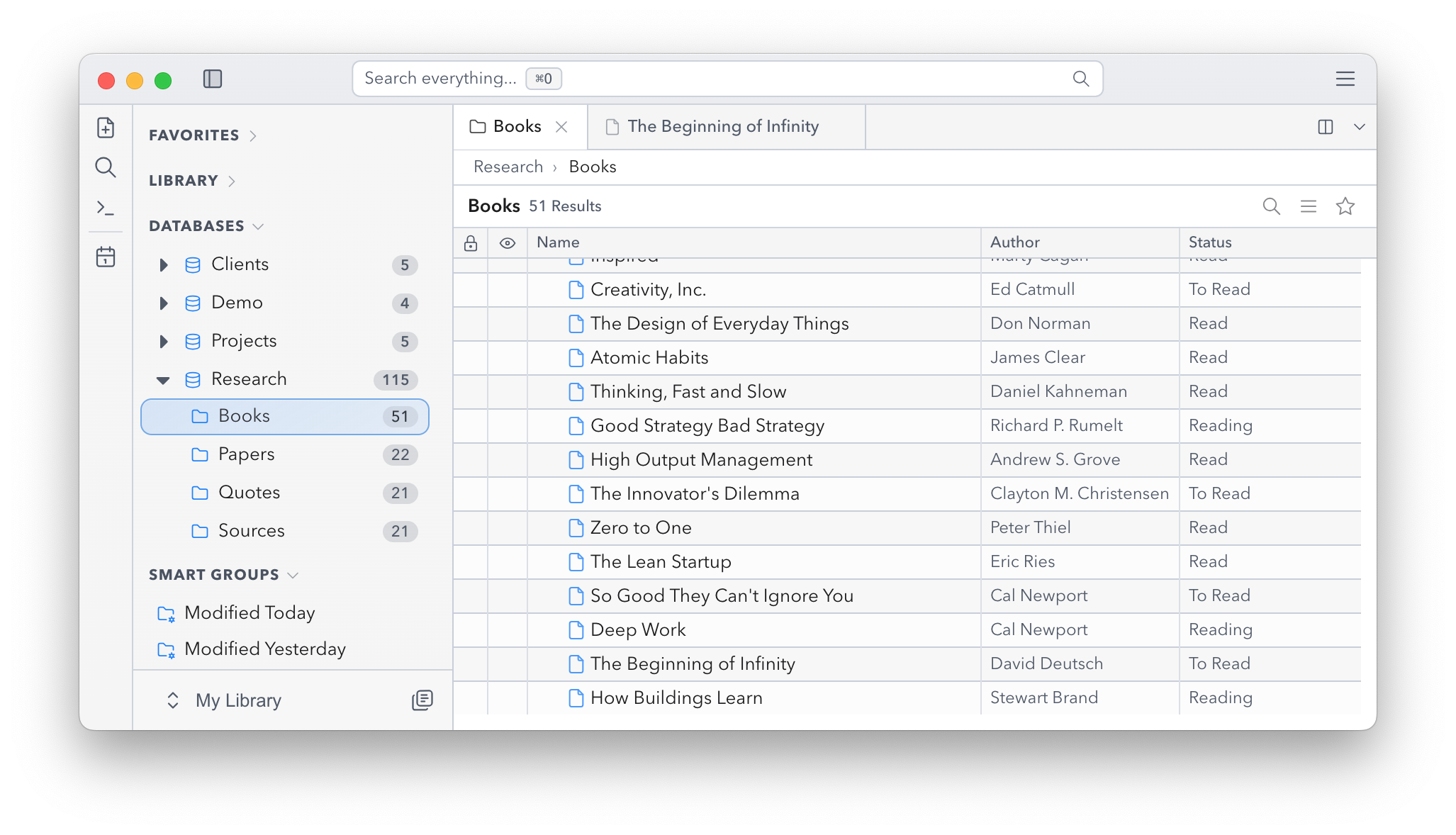
Your daily companion
Ordobase is exactly for you when your Markdown files need structure and should not end up in a cloud.
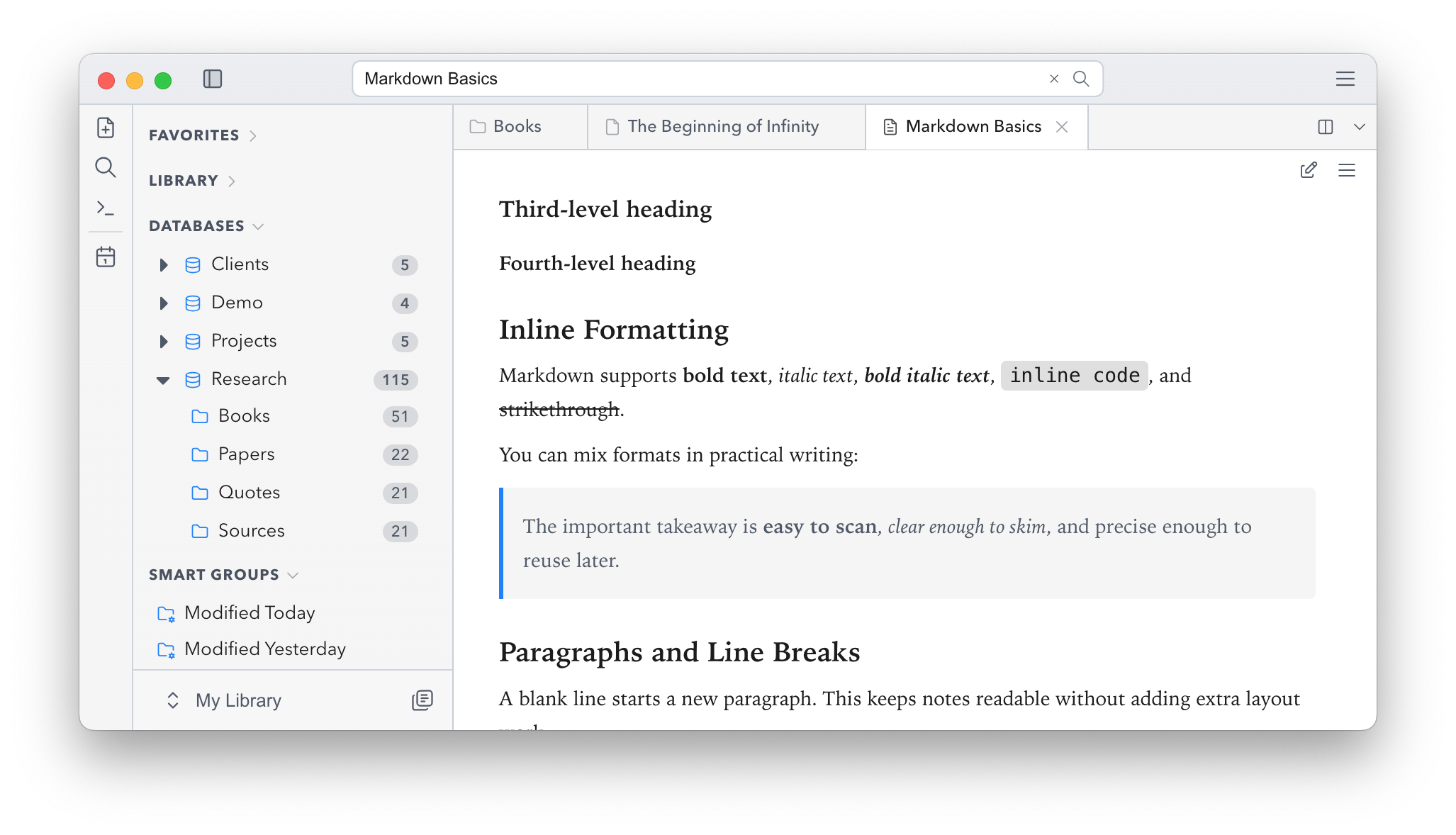
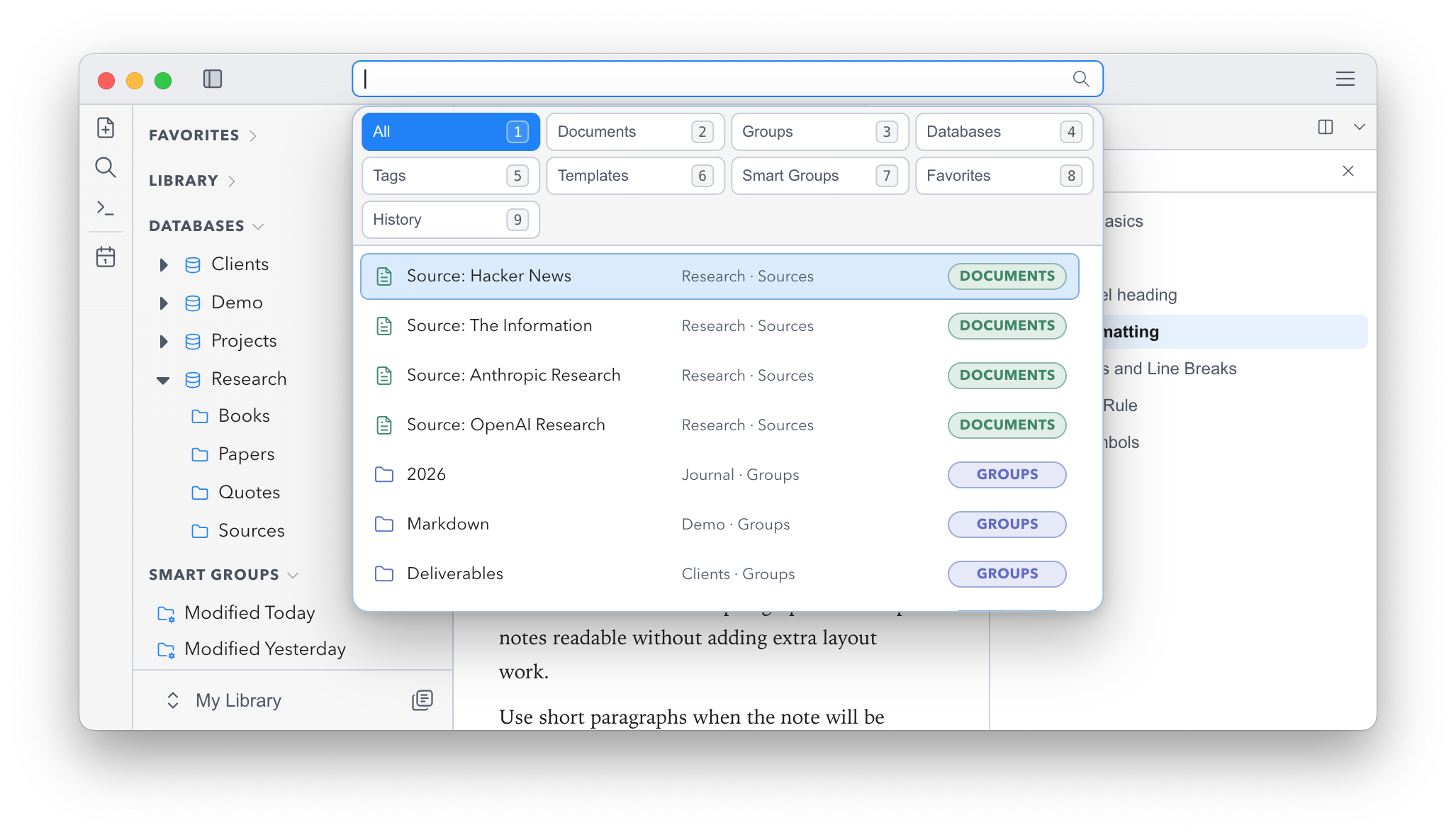
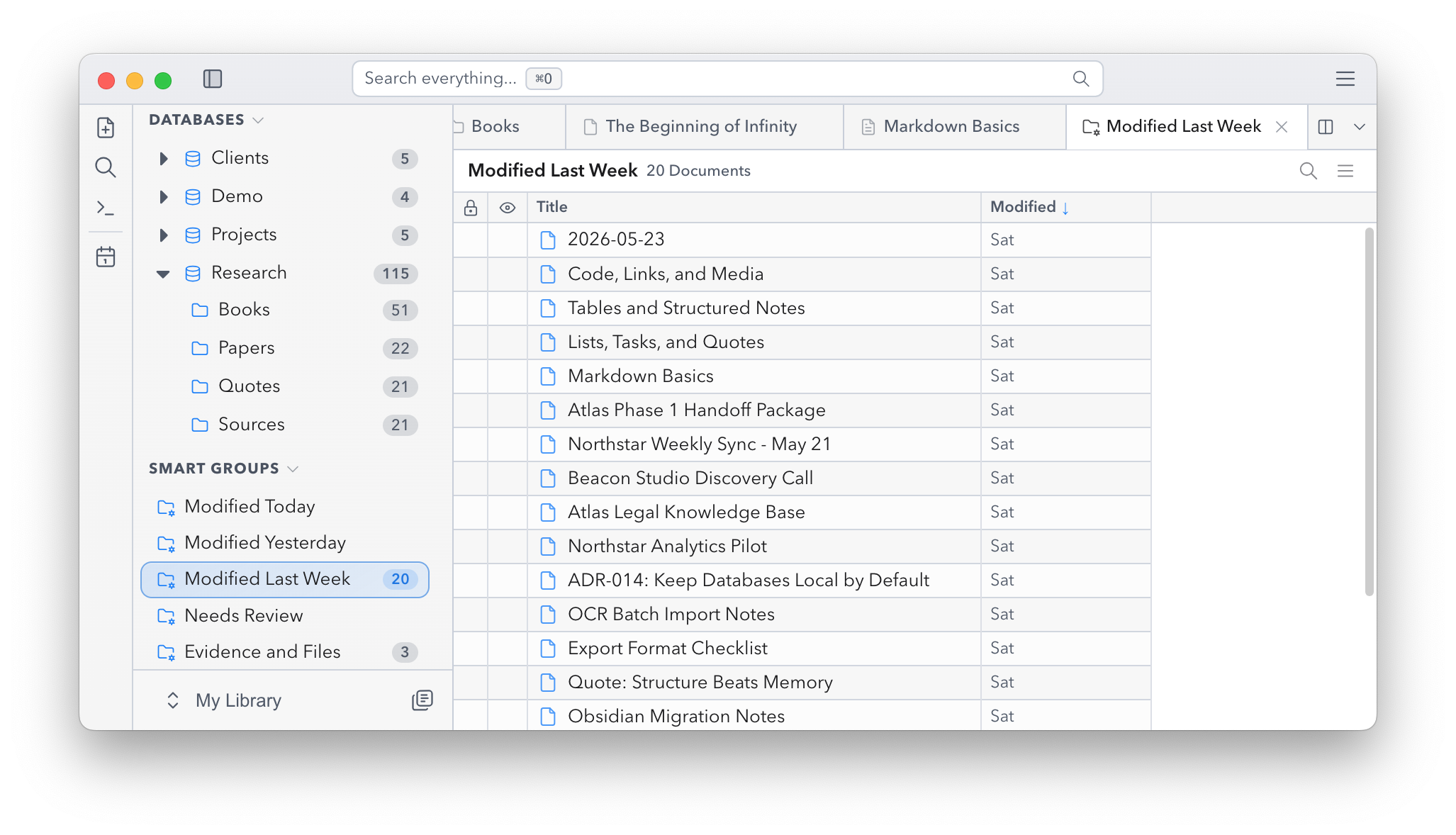
Comparison
Obsidian, Notion, and DEVONthink are all good at something. Ordobase exists for the part where each of them starts asking you to compromise.
A folder of Markdown files is portable until required fields, queries, templates, and views live in plugins and conventions.
Structure is useful. Having your working knowledge depend on someone else's cloud is the part worth questioning.
Local document management is powerful, but custom fields, Markdown workflows, and Windows support should not feel like an edge case.
Facts
A local knowledge base is a long-term commitment. Here is what that commitment looks like in practice.
Ordobase is built and maintained by one developer, so the subscription funds product maintenance, support, and continued development.
The desktop app supports macOS and Windows, with downloads routed to the platform you are using.
Your databases stay on your computer, existing data remains readable in free mode, and export stays available.
First five minutes
Start with one real thing you manage, add the fields you actually search for, then attach the files that usually drift away.
Step 1
Use books, specs, clients, research, leads, projects, or decisions. If the category has repeatable properties, it deserves fields.
Step 2
Author, status, source, due date, owner, rating, URL, related document. The point is to search by meaning, not memory.
Step 3
Write the Markdown note, attach PDFs and screenshots, then come back tomorrow and filter, search, or reopen what you touched yesterday.
Plans
Try Ordobase for 7 days with full functionality, keep read-only access to your data, and scale up only when your way of working requires it.
A focused personal workspace with search, backlinks, fields, plugins, and themes.
$7 / month
Compare all plansAll features for automation, OCR search, sync, Web Clipper, and AI-assisted access.
$9 / month
Compare all plansTry every feature for 7 days. If you stop paying later, existing data remains readable and exportable through the free read-only mode.
Do not evaluate Ordobase with an empty demo. Download the Free Trial, create one database, add real fields, import a few real files, and see whether retrieval feels different.
Yes. Ordobase runs fully offline. Internet is only needed to download the app and for periodic license verification, roughly every 7 days, so your daily workflow is never cloud dependent.
Yes. Ordobase handles mixed content: Markdown notes, PDFs, images, and files in one searchable system with shared tags, backlinks, and metadata.
Your database lives on disk, not in our cloud. Back it up with iCloud, an external drive, WebDAV, Dropbox, or your existing routine.
Yes. Import from DEVONthink, Obsidian, and Notion. If you ever leave, export in open formats at any time. Your work stays portable.
Enable encryption per database with your own passphrase. File contents and metadata become unreadable without that key, including to us.
Ordobase is developed and run by one person. The subscription funds maintenance, bug fixes, operating-system compatibility, support, and continued development. Your data is not held hostage: if you stop paying, existing work remains viewable and exportable through the free read-only mode.